
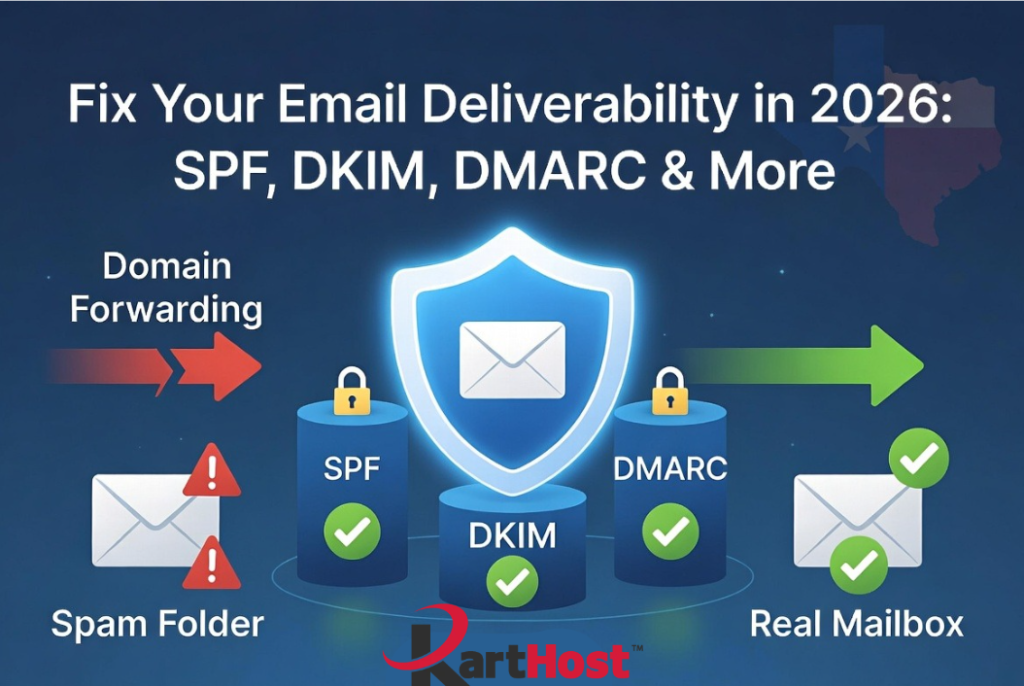
In our recent article on SPF, DKIM, and DMARC (Why Emails That “Always Worked Before” Are Suddenly Landing in Spam in 2026), we explained why emails that “always worked before” are now landing in spam or getting rejected. Major providers like Gmail, Yahoo, and Microsoft have enforced stricter authentication standards. These rules protect inboxes from spam and phishing but create big problems for older setups.
Domain email forwarding is one of the biggest victims. What used to be a simple, low-cost way to get mail at your custom domain now fails more frequently. Replies expose your personal address, authentication breaks, and deliverability suffers. Here is what is happening and why it is time to move on.
Why Forwarding Conflicts with Modern DMARC Enforcement
Email forwarding works by redirecting messages from your domain to another inbox (Gmail, Yahoo, Comcast, etc.). The forwarding service rewrites or passes along headers in ways that often fail SPF, DKIM alignment, or DMARC checks.
When a forwarded message arrives, the receiving server sees mismatched authentication. DMARC policies (especially quarantine or reject) treat this as suspicious. Providers now reject or spam these messages more aggressively. Enom forwarding and similar services do not fully support SRS (Sender Rewriting Scheme), so they cannot fix the alignment issues.
The result? Intermittent failures, bounced emails, and frustrated recipients. New domains often skip forwarding entirely. Existing setups work less reliably as enforcement tightens through 2026.
Forwarding vs Real Mailbox vs Alias: A Clear Comparison
Here is how the options stack up for small businesses in 2026:
| Feature | Domain Forwarding | Real Mailbox (e.g., KloudEmail) | Alias (on a Real Mailbox) |
| Authentication (SPF/DKIM/DMARC) | Often fails alignment; breaks easily | Full control and passing records | Strong when tied to real mailbox |
| Deliverability | Declining; frequent spam/rejections | Excellent; professional reputation | Good, but shares main mailbox reputation |
| Sending Replies | Often shows personal address | Sends from your domain professionally | Sends from domain (clean) |
| Storage & Features | None; relies on destination inbox | Full storage, IMAP, apps, archiving | No extra storage; routes to main box |
| Professional Look | Unreliable; can leak personal info | Fully branded, scalable | Convenient for multiple addresses |
| Cost & Maintenance | Cheap but risky | Predictable monthly fee; reliable | Low add-on cost |
| Best For | Temporary or very low volume | Business-critical email | Extra addresses without new logins |
Real mailboxes win for reliability and professionalism. Aliases work well as supplements but still need a solid mailbox foundation.
Step-by-Step: How to Migrate from Forwarding to a Real Mailbox
Migrating is straightforward and prevents future headaches. Here is the process:
- Choose your new email solution (KartHost KloudEmail, Microsoft 365, etc.) and create mailboxes for your main addresses.
- Set up the new mailboxes with full SPF, DKIM, and DMARC records (we help with this).
- Test sending and receiving from the new mailboxes on your devices.
- Update your DNS MX records to point to the new provider (this is the key switch; do it during low-traffic time).
- Import old emails if needed using IMAP tools or our assistance.
- Set up domain aliases or forwarders inside the new mailbox for any extra addresses.
- Update your email clients, phone apps, and any forms/websites with the new settings.
- Monitor for a week and remove old forwarding once everything flows smoothly.
- Test deliverability with tools like mail-tester.com.
Most migrations complete in a day or two with minimal downtime.
At KartHost, we make this easy with our Concierge Setup service. For a one-time fee, our team handles DNS changes, record configuration, client setup, and testing so you do not have to. It is faster and worry-free compared to doing it yourself.
Your business deserves email that works reliably in 2026. Stop fighting forwarding issues and move to a real hosted mailbox. Open a ticket today, and we will review your setup and guide you through the transition.
For help with authentication records, revisit our SPF, DKIM, and DMARC article (PLACEHOLDER LINK). Check our KloudEmail plans page for affordable, reliable options built for Texas small businesses. The KartHost team is here in Tomball to help you communicate professionally without the headaches.
