
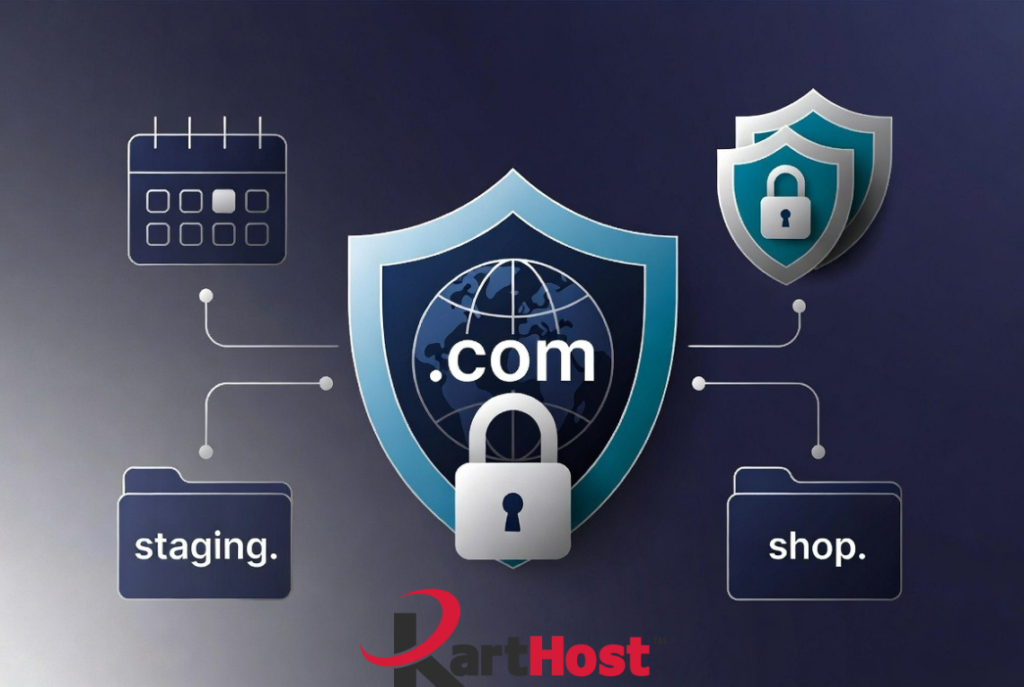
Many small business owners use only their main domain for everything: the homepage, online store, blog, and contact forms all live under one address. This works when you are just starting out, but it can quickly become messy. Navigation gets crowded, marketing campaigns are harder to track, and testing new features risks breaking the live site.
At KartHost we talk with small business owners every week who discover real benefits once they start using subdomains. The setup is simpler than most people expect, and it helps your online presence feel more organized and professional.
What Is a Subdomain? (Simple Explanation)A subdomain is like a separate room inside your main website address. If your main domain is yourbusiness.com, a subdomain might look like shop.yourbusiness.com or staging.yourbusiness.com. Everything still belongs to your brand, but each section can work more independently.
You do not need to buy a new domain. Subdomains are free once you already own the main domain.
Practical Ways Small Businesses Use Subdomains
Here are everyday examples that deliver clear value:
- shop.yourbusiness.com for your online store. This keeps product pages and shopping carts separate from the rest of the site.
- staging.yourbusiness.com (or dev.yourbusiness.com) for testing updates safely. You can try new designs or features without risking your live website.
- mail.yourbusiness.com or similar for certain email-related tools.
- support.yourbusiness.com or members.yourbusiness.com for customer portals or login areas.
These keep things tidy and make it easier for both you and your customers to find what they need.
Benefits for Organization, Marketing, and Reputation
Subdomains improve how visitors move around your site. Customers looking for the shop do not have to dig through the main menu. Search engines can treat different sections as related yet focused, which often helps with targeted marketing and SEO.
Everything still points back to your main brand name, so trust carries over. If one section faces a temporary issue, the main site stays clean. Marketing campaigns also become simpler because you can promote a specific store or landing area without changing the core website.
How Subdomains Help with SPF Records (Email Authentication)SPF (Sender Policy Framework) is a DNS setting that tells the world which servers are allowed to send email for your domain. Receiving email providers check this to decide if a message is legitimate or spam.
One important limit exists: a single SPF record can only perform a limited number of DNS lookups (usually a maximum of 10). When you add many different email services (your main email, a newsletter tool, a support system, a marketing platform, etc.) to the main domain’s SPF record, you can quickly hit that limit. When the limit is exceeded, email authentication can fail and messages may land in spam or get rejected. This is sometimes called the SPF “lookup limit” problem.
Subdomains help solve this. Each subdomain can have its own separate SPF record. You can put marketing email on marketing.yourbusiness.com, transactional email on mail.yourbusiness.com, and keep the main domain’s SPF cleaner and within limits. This expands what you can safely authorize without overcrowding one record.
A word of caution: subdomains do not automatically inherit the parent domain’s SPF record. If a subdomain sends email, it needs its own SPF record. Setting them up incorrectly can still cause delivery problems, so it is best to plan carefully or ask for help when adding new email services.
Simple DNS Setup Tips
Setting up a subdomain usually takes just a few steps:
- Decide on a clear name and purpose (keep it short and easy to remember).
- Log into your DNS management area.
- Add a new record. Most of the time this is an A record (pointing to a server IP address) or a CNAME record (pointing to another hostname).
- Save the changes and wait a short while for them to update across the internet (often just a few minutes to a few hours).
- Test by visiting the new address and checking that it works on different devices.
If you use WordPress or another platform on the subdomain, you may also need to update a couple of settings inside that application. Always keep a backup before making bigger changes.
How KartHost Makes Subdomain Setup Easy and Reliable
When your domains and hosting are with KartHost, subdomain setup stays simple. Log into the KartHost Customer Center to view and manage your DNS records with clear options for the most common record types. Changes usually take effect quickly on our systems.
Many KartHost customers also use Cloudflare for DNS and performance. You can often access Cloudflare-related settings through your Customer Center, or find step-by-step guidance in our knowledgebase. If you need help locating the Cloudflare login or managing specific records, open a support ticket and our team will walk you through it.
We handle the technical details so you avoid guesswork. Whether you need a shop subdomain on our WordPress hosting platform or a clean separation for email services, our support team helps you configure it correctly. Everything stays under one account, which means fewer places to log in and one team that understands your full setup.
For more foundational guidance on building your online presence, see our article Getting Started: The First Steps in Building Your Web Presence. If you are moving domains, our Domain Transfer Checklist can also be helpful.
Quick Checklist to Get Started
- List the separate functions your business needs (shop, testing area, support, etc.).
- Choose clear, short subdomain names.
- Confirm your main domain is registered and you can access DNS settings in the KartHost Customer Center.
- Add the necessary DNS records one at a time.
- Install and configure any applications on the new subdomain.
- Test on multiple devices and browsers.
- Monitor performance and visitor feedback for the first few weeks.
- Document your setup so future changes are easier.
Start with one or two subdomains that solve an immediate need. Expand as you grow.
Build a Stronger Online Structure Today
Subdomains give you flexibility without extra cost or complexity. They help organize your site, support cleaner marketing, improve email authentication flexibility through separate SPF records, and protect your main brand as your business evolves.
If you would like guidance on planning or setting up subdomains, open a support ticket or reach out to our team. We are happy to review your current setup and walk you through the process step by step.
Your main domain already represents your business. Strategic subdomains help you get more from it. Let us help you put them to work effectively.