
If you run a small business, club, or nonprofit and rely on email to reach customers, members, or partners, you have probably noticed a frustrating change. Messages that used to land reliably in inboxes now disappear into spam folders or get rejected outright. You might think, “It always worked before. Why now?”
The reason is simple but powerful: major email providers like Gmail, Yahoo, and Microsoft (Outlook/Hotmail) have tightened their rules significantly. Starting in 2024 and rolling out stricter enforcement through 2025 into 2026, they now demand proper email authentication for anyone sending noticeable volumes of mail. These changes fight spam and phishing, which have grown worse. Without meeting the new standards, even legitimate emails look suspicious to the big providers.
Bulk senders (generally those sending 5,000 or more emails per day to these providers) face the strictest requirements. But even smaller senders feel the impact as filters get smarter and reputation matters more than ever. Old workarounds like basic domain forwarding often fail because they cannot pass modern checks.
The New Rules from Gmail, Yahoo, and Microsoft
Gmail, Yahoo, and Microsoft now require strong authentication plus good sending behavior:
- Valid SPF, DKIM, and DMARC records that align properly.
- One-click unsubscribe options (especially for marketing or bulk mail).
- Low spam complaint rates (typically under 0.3 percent; Gmail flags anything consistently higher).
- Overall good sender reputation based on engagement (opens, replies, not complaints).
Non-compliant emails get marked as spam, quarantined, or rejected at the server level. Forwarded mail or messages from shared servers without proper setup struggle the most.
Understanding SPF, DKIM, and DMARC: Your Email’s Trust Signals
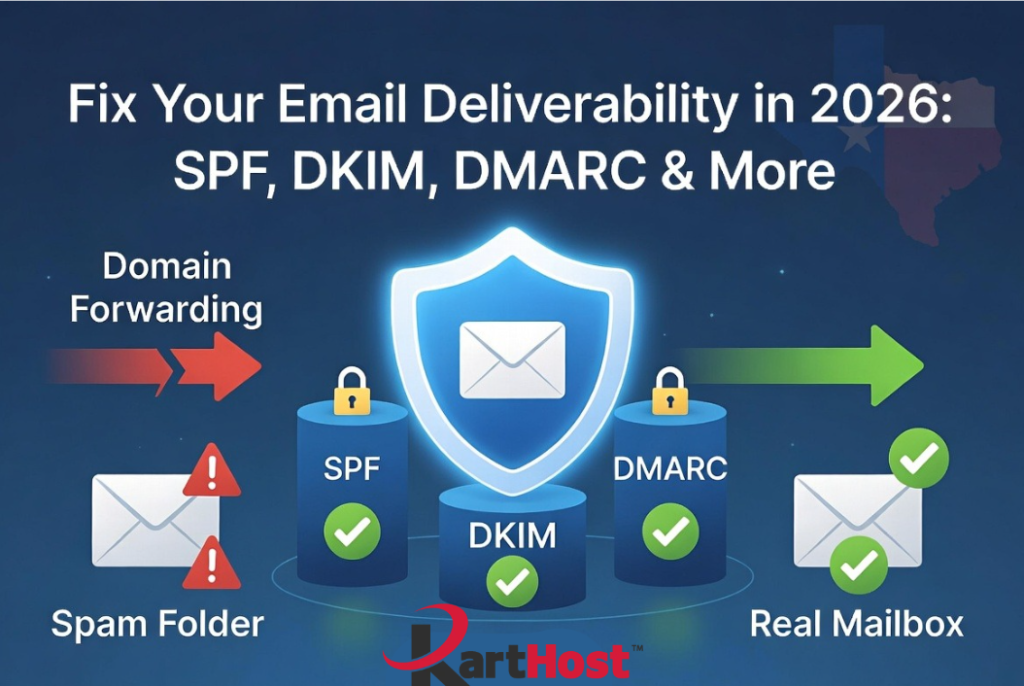
Think of these three protocols as the ID card, signature, and policy enforcer for your domain’s emails. They work together to prove you are who you say you are and that the message has not been altered.
SPF (Sender Policy Framework) tells the world which servers and IP addresses are allowed to send email using your domain. It is like a guest list at the door. When a receiving server sees an email from yourdomain.com, it checks the SPF record in your DNS to verify the sending server is authorized. If not, it fails. SPF helps stop spoofers from pretending to be you, but it can break with forwarding or multiple sending services if not set up carefully.
DKIM (DomainKeys Identified Mail) adds a digital signature to your emails. This signature proves the message content has not changed in transit and truly comes from your domain. It is like a tamper-evident seal on an important document. DKIM uses cryptographic keys published in your DNS records. Even if SPF passes, a missing or broken DKIM signature can hurt deliverability.
DMARC (Domain-based Message Authentication, Reporting, and Conformance) ties SPF and DKIM together. It tells receiving servers what to do if either check fails (monitor, quarantine, or reject). DMARC also provides valuable reports so you can see who is sending (or spoofing) mail from your domain. A proper DMARC policy with alignment (matching the visible “From” address) is now essential for good reputation.
These protocols build and protect your sender reputation. Good reputation plus low spam rates and easy unsubscribes keep your emails flowing to inboxes instead of junk folders.
What You Need to Know and Do: Your Action Checklist
Here is a practical checklist to get compliant and improve deliverability:
- Check your current DNS records for SPF, DKIM, and DMARC using free tools like MX Toolbox or your hosting control panel.
- Set up or update SPF to include all authorized sending servers (your email host, marketing tools, etc.). Keep lookups under 10 and use a strong qualifier like -all.
- Enable DKIM signing on your email service or hosting platform. Use at least 2048-bit keys where possible.
- Publish a DMARC record starting with p=none (monitor mode) to gather reports, then move to p=quarantine or p=reject as you gain confidence.
- Ensure alignment: The domain in the “From” address should match or align with your SPF/DKIM domains.
- Add a clear, one-click unsubscribe link in marketing emails and honor it quickly.
- Monitor spam complaint rates through provider postmaster tools (Gmail Postmaster, etc.) and keep them very low by sending relevant content only to engaged recipients.
- Clean your email lists regularly and avoid buying or renting lists.
- Test your setup with tools like mail-tester.com before large sends.
- If you use domain forwarding, consider switching to a real hosted mailbox for better authentication support.
Implementing these steps can dramatically improve inbox placement.
At KartHost, we help Texas small businesses and organizations navigate these exact challenges every day. Proper email setup is part of reliable hosting, not an afterthought. If your emails are struggling or you need help with authentication on your domain, open a ticket with us. We can review your records and guide you through the fixes.
For more on why forwarding is becoming unreliable in this new environment, check our related article on domain email forwarding changes. And see our earlier post on keeping emails out of the spam box for additional tips tailored to our clients.
Your business deserves to be heard. Let us help make sure your emails reach the right inboxes in 2026 and beyond. Contact the KartHost team today.
