
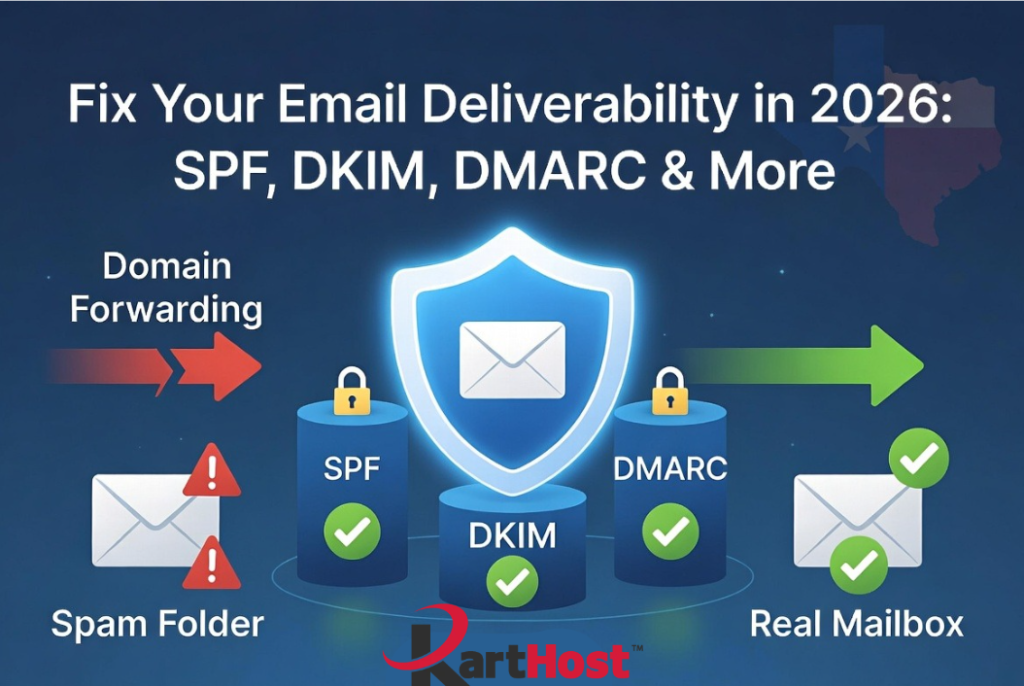
Email authentication issues continue to frustrate small business owners, clubs, and nonprofits. If your messages land in spam, get rejected, or trigger complaints despite following basic setup steps, you are not alone. Building on our earlier articles about why old setups fail and the problems with domain forwarding, here are five practical tips that go deeper. These focus on common pitfalls, ongoing maintenance, and advanced practices to keep your domain trusted and your inbox placement strong.
Tip 1: Flatten Your SPF Record to Stay Under the 10-Lookup Limit
Many domains exceed the strict 10 DNS lookup limit in SPF records when adding marketing tools, CRMs, or invoicing services. This causes silent permerrors where legitimate mail fails authentication. Use SPF flattening tools or services that convert nested includes into direct IP addresses. This keeps your record concise and dynamic as your sending stack changes. Regular audits prevent surprises.
Tip 2: Rotate DKIM Keys Periodically and Use Stronger Algorithms
DKIM signatures rely on public-private key pairs. Over time, keys can become vulnerable or simply expire in some setups. Adopt 2048-bit keys with the rsa-sha256 algorithm and schedule rotations every 6 to 12 months. Always verify that the signing domain aligns perfectly with your “From” address. Misalignment breaks DMARC even if everything else passes.
Tip 3: Monitor DMARC Reports Actively with Dedicated Tools
Publishing a DMARC record is only the start. Enable rua (aggregate) and ruf (forensic) reporting addresses and use free or affordable analyzers to turn raw XML data into actionable insights. Tools help identify unauthorized senders, forgotten services, and alignment failures. Review reports weekly at first, then monthly. This visibility lets you move safely from p=none (monitor) to stronger policies without breaking delivery.
Tip 4: Maintain List Hygiene and Engagement to Protect Reputation
Even perfect authentication fails if your spam complaint rate climbs. Remove inactive subscribers through re-engagement campaigns, never buy or rent lists, and keep content relevant. Aim for complaint rates well below 0.3 percent. Combine this with one-click unsubscribe links that process instantly. High engagement (opens, replies, clicks) signals quality to providers and strengthens overall reputation.
Tip 5: Test Changes Thoroughly Before Going Live and Document Everything
Never update SPF, DKIM, or DMARC records without testing. Use tools like mail-tester.com, MX Toolbox, or DMARC checkers to simulate sends from all your services. Document every authorized sender, IP, and third-party tool in a simple spreadsheet. When adding new services, update records immediately and re-test. This habit prevents outages during busy periods.
Frequently Asked Questions About SPF, DKIM, and DMARC
Q: How long should I stay in DMARC monitoring mode (p=none) before enforcing quarantine or reject?
Stay in monitoring for at least 4 to 6 weeks, longer if you send high volumes or use many services. This gives time to catch all legitimate sources and fix issues. Rushing to enforcement risks blocking your own mail.
Q: Can I use multiple SPF records on one domain?
No. Only one SPF record is allowed. Multiple records cause immediate failures. Combine all authorized sources into a single TXT record.
Q: What happens if my emails still go to spam after setting up authentication?
Check content issues (too many images, spammy words, or bad links), list quality, and sending volume warm-up. Authentication is foundational but reputation depends on behavior too.
Q: Do free email services like Gmail forwarding still work in 2026?
They work less reliably for business domains. Forwarding often breaks alignment. A real hosted mailbox with proper records performs far better.
Q: How do I handle subdomains or multiple brands under one organization?
Set up separate records for each subdomain if they send independently. Organizational alignment can help in some enterprise setups, but most small businesses treat them individually.
At KartHost, we see these challenges daily and help Texas small businesses implement clean, reliable solutions. For hands-on assistance with records, migrations, or full setups, open a support ticket. Our Concierge service takes the technical burden off your plate.
For more details, revisit our article on SPF, DKIM, and DMARC (Why Emails That “Always Worked Before” Are Suddenly Landing in Spam in 2026) or the one explaining why domain forwarding is failing (Domain Email Forwarding Is Breaking More Often in 2026: Why It Conflicts with New Sender Rules and What to Do Instead). We also cover KloudEmail options that make professional, authenticated email simple and affordable. Your emails deserve to reach inboxes consistently. Let the KartHost team in Tomball help you achieve that in 2026 and beyond.
