
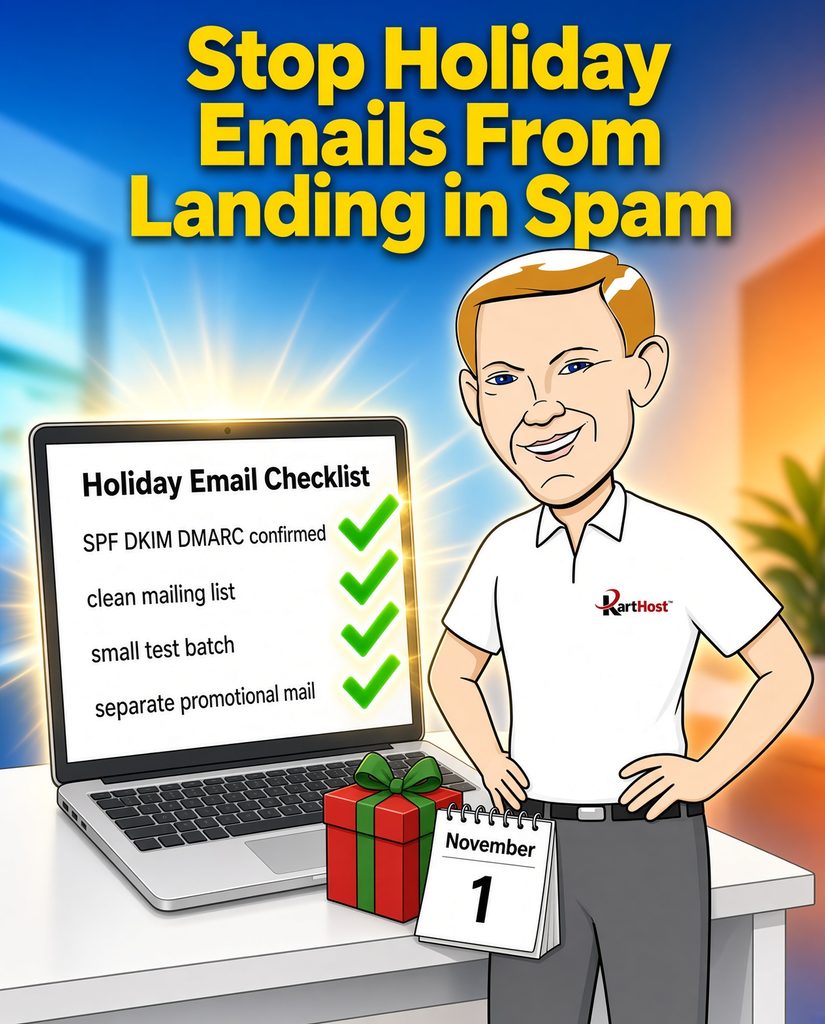
October is when many small businesses start sending more offers, reminders, and seasonal updates. That extra volume is exactly when weak authentication, old addresses on the list, or mixing promotional messages with regular invoices can cause trouble. Gmail, Outlook, and Yahoo already watch carefully. A higher volume of mail makes any existing gap show up faster.
You do not need to become an email expert. A short checklist this month keeps invoices and genuine offers reaching the inbox while traffic rises.
Confirm SPF, DKIM, and DMARC are still in place
These three DNS records prove to receiving servers that your messages really come from your domain and have not been altered. They are the foundation everything else sits on.
- Look for an SPF record (a TXT record that starts with v=spf1). It should list the correct servers for the service you actually use (KloudEmail, Microsoft 365, Hosted Exchange, or another provider). Old entries from retired tools still count against the 10-lookup limit and can cause failures.
- Look for DKIM records (usually TXT or CNAME entries containing _domainkey). These supply the digital signature.
- Look for a DMARC record at _dmarc.yourdomain.com. A safe starting policy is p=none so you can watch reports without blocking mail yet.
If any of these are missing, incomplete, or contain leftover services you no longer use, the records need attention before you increase volume. For a plain-language walkthrough of how the three work together and common cleanup steps, see 5 Essential Tips for Mastering SPF, DKIM, and DMARC in 2026 and Cleaning Up Old SMTP Services and SPF Records. Current expectations from the major providers are summarized in Google and Microsoft’s Sender Guidelines in Plain English.
Separate promotional mail from day-to-day invoices when possible
Invoices, order confirmations, and one-to-one replies should stay on the regular business address. Larger promotional batches (holiday offers, event reminders, newsletters) do better on a dedicated sending path or a clearly identified marketing address. Mixing the two trains filters to treat every message the same way. When the promotional volume jumps, even the invoices can start landing in spam.
If you already use a separate tool or subdomain for marketing, keep that separation. If everything currently leaves from the same mailbox, a small test of the promotional style first (see the final step) shows whether the current setup can handle the increase.
Remove obviously dead addresses
Old lists often contain addresses that bounce, have been closed, or simply never open anything. Sending to them raises complaint and bounce rates, which the big providers notice quickly.
- Remove any address that has hard-bounced in the last few months.
- Remove addresses that have not opened or clicked in a long time (a year or more is a common cutoff for seasonal lists).
- Honor every unsubscribe request promptly. A clear one-click option at the bottom of promotional messages keeps complaints low.
Cleaner lists protect the reputation of the domain you use for everything else. Related reading on why messages that used to arrive now land in spam is in Why Emails That “Always Worked Before” Are Suddenly Landing in Spam in 2026.
Send a small test batch first
Before the full holiday list goes out:
- Pick 10 to 20 addresses you control (your own Gmail, Yahoo, or Outlook accounts, plus a couple of staff or family addresses).
- Send the real promotional message, not a blank test.
- Check whether it arrives in the inbox or the spam/junk folder on each account.
- Note any delays or authentication warnings.
- Fix any obvious problems (authentication gaps, missing unsubscribe link, or a subject line that looks like spam) and retest once.
A clean small test is the cheapest way to catch issues while the list is still modest. Once the volume rises, the same problems are harder and slower to reverse.
A short version you can keep
- SPF, DKIM, and DMARC records exist and match the service you currently use.
- Promotional messages are kept separate from regular invoices when practical.
- Hard bounces and long-inactive addresses are removed.
- A small real-message test goes to addresses you control before the full send.
- Unsubscribe requests are honored quickly.
These steps take a short block of time and address the exact points that cause holiday mail to slip into spam. Domains and email services hosted with KartHost already include the DNS tools needed to keep the authentication records current. The same records protect both everyday mail and the extra volume that arrives in October and November.
Starting the checks now keeps the offers you worked on reaching the people who want them.