
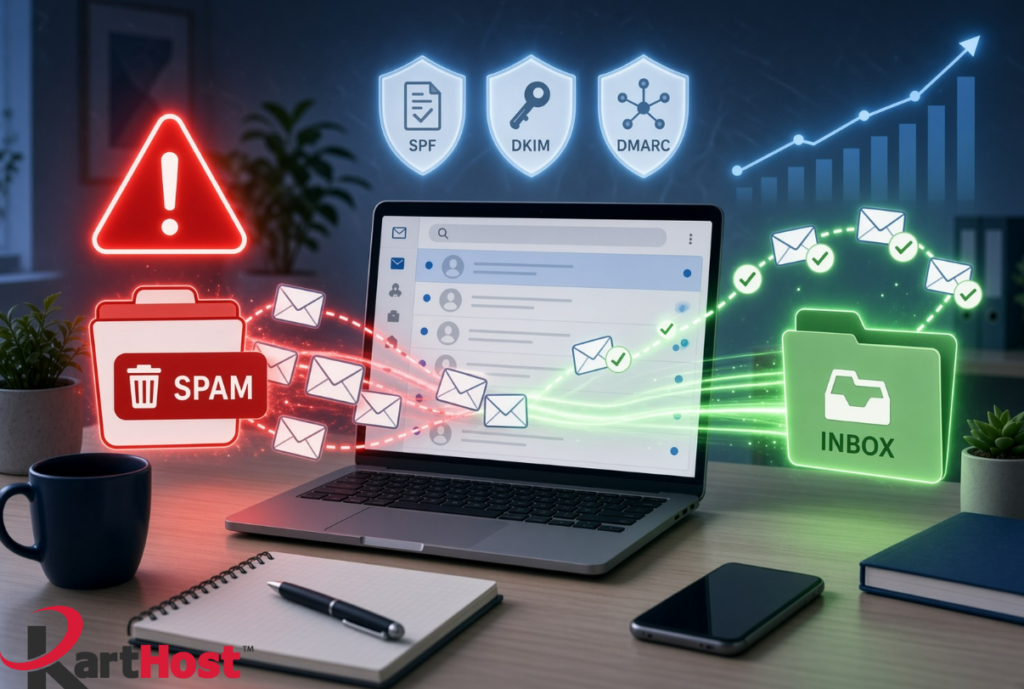
Have you ever set up a brand-new domain or a fresh KloudEmail or Microsoft 365 mailbox, sent a few test messages or invoices, and watched them land in spam or get blocked entirely? Many small business owners run into this in the first days or weeks. The messages look professional on your end, yet Gmail, Outlook, Yahoo, and other providers treat the new address with suspicion.
You are not alone. New domains and mailboxes start with almost no sending history. Providers have no reason yet to trust them, so early messages often get filtered. The good news is that a simple warm-up process plus the three basic authentication records can turn this around quickly, even if you are not technical.
Why new addresses face extra scrutiny
Mailbox providers score every sending domain and IP address based on past behavior. A brand-new domain has a blank reputation. Sending a high volume of messages right away, or even a moderate number to people who have never heard of you, can look like spam activity. Missing authentication records make the problem worse because the receiving server cannot verify that the message truly comes from your domain.
This is especially common when someone registers a domain, points it to KloudEmail or Microsoft 365, and immediately starts emailing clients or prospects. The messages are legitimate, but the lack of history and incomplete setup triggers filters.
The three records that must be in place from day one
These DNS records act like a digital ID card for your email. They tell receiving servers that you authorize the messages and that the content has not been altered.
- SPF (Sender Policy Framework) lists the servers allowed to send mail for your domain.
- DKIM (DomainKeys Identified Mail) adds a cryptographic signature so receivers can confirm the message is genuine and unchanged.
- DMARC (Domain-based Message Authentication, Reporting, and Conformance) tells receivers what to do if SPF or DKIM fail, and it starts collecting reports so you can monitor activity.
Without all three, even carefully written messages can land in spam. For a deeper plain-English explanation of how these work together and common pitfalls, see our guide 5 Essential Tips for Mastering SPF, DKIM, and DMARC in 2026. Google and Microsoft’s current expectations are also covered in Google and Microsoft’s Sender Guidelines in Plain English.
Step-by-step: Confirm the authentication records are set
- Log into the KartHost Customer Center (or the DNS management area if your domain is elsewhere).
- Locate the DNS records for your domain.
- Look for a TXT record that starts with “v=spf1”. This is your SPF record. It should include the correct include statements for KloudEmail or Microsoft 365.
- Look for one or more TXT or CNAME records containing “_domainkey”. These are your DKIM records.
- Look for a TXT record at “_dmarc.yourdomain.com” that starts with “v=DMARC1”. A safe starting policy is “p=none”.
- If any of these are missing or look incorrect, note them. Do not guess at the values.
If you are unsure what the correct records should be for your specific service, open a support ticket. We can verify them with you.
A simple warm-up schedule anyone can follow
Warm-up means gradually increasing volume and engagement so providers learn that your mail is wanted. Follow this schedule for the first two to four weeks. Adjust the numbers slightly for your business size, but stay conservative.
Week 1
- Day 1-2: Send 5-10 personal messages per day only to people who already know you (colleagues, existing clients, friends). Ask a few of them to reply.
- Day 3-4: Increase to 15-20 messages. Keep them conversational and useful.
- Day 5-7: Reach 25-40 messages total for the week. Continue focusing on known contacts and encourage replies.
Week 2
- Aim for 40-80 messages across the week.
- Include a mix of known contacts and a few new but relevant recipients (for example, people who recently inquired about your services).
- Keep spam-complaint risk near zero by only emailing people who expect to hear from you.
Week 3-4
- Gradually move toward your normal daily volume.
- Monitor open rates and any bounce notices. Pause and investigate if complaints appear.
- Continue engaging in two-way conversations whenever possible. Replies are one of the strongest positive signals.
Additional practical tips during warm-up:
- Use a consistent From name and address.
- Avoid large attachments or heavy images in the first weeks.
- Never buy or rent email lists.
- If you need to send to a larger group later, consider a proper marketing platform that handles its own reputation, but still keep authentication in place on your domain.
How KartHost helps set this up correctly from day one
When you register a domain or set up KloudEmail or Hosted Exchange through KartHost, our team can configure the required SPF, DKIM, and DMARC records as part of the process. Everything stays in one Customer Center so you do not have to chase records across multiple logins. If you already have a domain and are moving email to us, we walk through the DNS changes with you to avoid gaps.
We also watch for common issues such as leftover records from previous providers that can break SPF. Our article Cleaning Up Old SMTP Services and SPF Records explains why that matters. For broader context on keeping domain, DNS, and email working together, see Your Domain Name, DNS and Email – The 2026 Survival Guide.
Quick checklist you can use right now
- Confirm SPF, DKIM, and DMARC records exist and look correct.
- Start with low volume only to known contacts.
- Follow the gradual weekly increase outlined above.
- Encourage replies and two-way conversation.
- Watch for bounces or spam complaints and pause if needed.
- Open a support ticket if any record is missing or unclear.
New business email does not have to struggle in spam folders. A correct authentication foundation plus a patient warm-up builds the reputation providers look for. Once that trust is established, your messages reach the inbox more reliably.
If you would like us to review your current DNS records, set up a new KloudEmail or Microsoft 365 mailbox with the proper authentication from the start, or walk through the warm-up process together, open a support ticket in the KartHost Customer Center. We are glad to help you get email deliverability right from day one.
Your professional email is often the first impression clients receive. Taking these steps protects that impression and keeps communication flowing.