
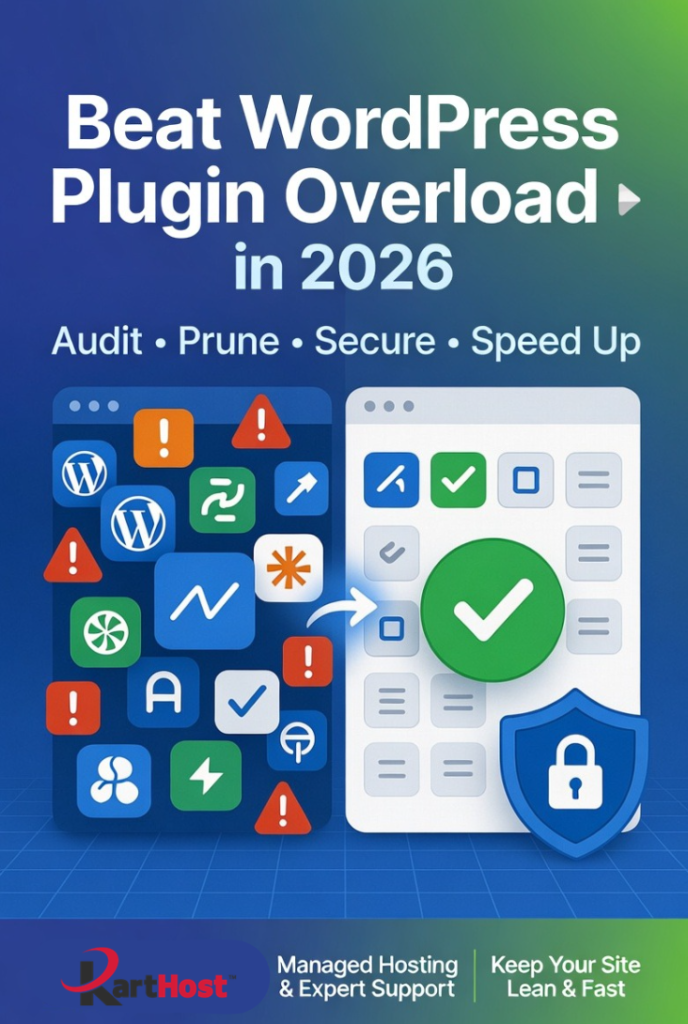
Hey there, small business owner or WooCommerce store operator, does your WordPress dashboard feel slower lately? Are you noticing longer load times, random conflicts after updates, or that nagging worry about security because you’ve got “just one more plugin” installed?
You’re not alone. Many busy entrepreneurs and agencies end up with plugin overload over time. What starts as helpful tools quickly turns into bloat that drags down performance, creates security risks, and eats up your time with troubleshooting. The good news? You can clean it up safely and keep your site lean, fast, and secure.
Why Plugin Overload Is a Big Problem Right Now
Too many plugins — especially outdated, redundant, or poorly coded ones — add extra database queries, scripts, and code that slow your site and expand your attack surface. Even deactivated plugins can pose risks if left sitting on the server. In 2026, with more sophisticated threats, keeping your plugin list tight is one of the smartest things you can do for both speed and security.
Step-by-Step: How to Audit and Prune Your Plugins Safely
Here’s a practical process you can follow today:
- Take a Full Backup First
Always start here. Use your hosting backup tool or a reliable plugin so you can restore quickly if needed. - List and Review Everything
Go to Plugins > Installed Plugins. Sort by “Last Updated” and check:- Is it actively used?
- Has it been updated in the last 6–12 months?
- Do you have another plugin (or WordPress core/theme) doing the same job?
- High number of active installs and good reviews?
- Use Diagnostic Tools
Install Query Monitor (free) temporarily. It shows exactly which plugins are causing slow database queries, heavy scripts, or conflicts. This makes it easy to spot the real culprits.
- Deactivate and Test
Deactivate suspicious plugins one by one (or in small groups). Test your key pages — especially checkout, forms, and login. Wait a day or two if possible. - Delete, Don’t Just Deactivate
Once confirmed unused, fully delete the plugin. Deactivated plugins still sit on your server and can be exploited.
- Prevent Future Bloat
- Be ruthless with new installs — only add what you truly need.
- Schedule a quarterly audit.
- Look for lightweight alternatives or features already built into your theme/hosting.
Aim for a lean stack (many experts recommend 15–25 active plugins max for most sites). Your site will thank you with faster loading times and fewer headaches.
How Karthost Helps You Stay Lean and Worry-Free
Auditing plugins is important, but doing it repeatedly while running a business takes time you’d rather spend growing. That’s where Karthost shines.
Our managed WordPress hosting on scalable Convesio containers gives you a strong, optimized foundation from day one. Combined with our VIP Care Plans, we handle proactive maintenance, updates, security hardening, and performance tuning — including keeping your plugin ecosystem clean and conflict-free.
You also get expert hands-on support focused on your specific needs, plus complementary services like KloudEmail and domains, so everything stays organized and secure under one roof.
With Karthost, you get the benefits of a lean, fast, secure site without having to become a full-time WordPress mechanic.
Ready to cut the plugin bloat and reclaim your time?
Check out our managed WordPress hosting and VIP Care Plans at karthost.com and let us help keep your site running smoothly.
Sources & Further Reading:
