
Hey there — is your WooCommerce store feeling a bit sluggish lately? Are product pages taking forever to load, your order dashboard crawling, or customers abandoning their carts because checkout feels slow? If you’re a small business owner pouring time and money into your online shop, these frustrations can directly hurt sales — and it’s incredibly common in 2026.
The good news? Many of these performance issues have clear, actionable fixes. Recent discussions and guides highlight recurring culprits that slow down WooCommerce stores, from plugin overload to image bloat and hosting limitations. Plus, the fresh WooCommerce 10.7 update brings helpful built-in improvements, like slashing database queries on order pages by 51% (from 271 down to 132) and trimming about 15% off checkout queries — all automatically after updating.
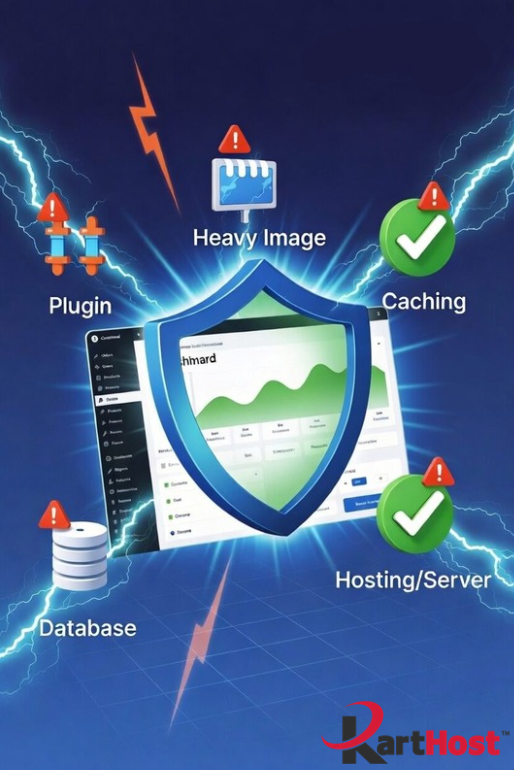
Here are 5 of the most common speed killers we see for small business stores, along with practical ways to address them:
1. Plugin Bloat and Conflicts
Too many active plugins (especially those loading scripts everywhere) add extra database queries and HTTP requests, dragging everything down.
Quick fix: Audit your plugins — deactivate and test one by one. Keep only what you truly need, and look for lightweight alternatives.
2. Unoptimized Product Images
Large, uncompressed images on shop and product pages are one of the biggest page-weight offenders.
Quick fix: Resize images to the exact dimensions needed, compress them (tools like ShortPixel or Smush help), and enable lazy loading so they don’t slow initial page loads.
3. Ineffective or Missing Caching
Without proper caching, your site regenerates dynamic content (like carts or product lists) on every visit.
Quick fix: Use a solid caching plugin and combine it with object caching (like Redis when available). The new cache fix in WooCommerce 10.7 also helps prevent silent errors on cached checkout pages.
4. Suboptimal Hosting Environment
Shared hosting with limited resources often struggles as your store grows — especially with WooCommerce’s database demands.
Quick fix: Consider upgrading to hosting built specifically for WordPress and WooCommerce performance, with better CPU/RAM, SSD storage, and automatic optimizations.
5. Outdated Setup or Database Bloat
Old PHP versions, unoptimized databases full of transients/sessions, and missing WooCommerce updates keep things from running efficiently.
Quick fix: Update to the latest WooCommerce (10.7 brings real performance wins), bump your PHP version, and run regular database cleanups.
Implementing even a few of these can make a noticeable difference in load times, user experience, and conversions. Start by testing your site with Google PageSpeed Insights to pinpoint your biggest opportunities.
Make These Fixes Stick Without the Headache
Tweaking these settings yourself is empowering — but it can also become a part-time job, especially when updates or traffic spikes introduce new issues.
At Karthost, we make it simple for small business owners and entrepreneurs to run a fast, reliable WooCommerce store without becoming a tech expert.
Our managed WordPress hosting runs on scalable, self-healing Convesio container technology — designed to keep your site performing well even as orders and traffic grow. We handle the backend optimizations, updates, and monitoring so you don’t have to chase down speed killers yourself.If you’re ready to launch or refresh your store, our EZWP eCommerce packages provide a custom WordPress + WooCommerce setup tailored to your needs — fully optimized from the start.
We also include branded business email (with Microsoft 365 options) to keep your customer communications professional and trustworthy.
Our support style is personal and educational — we’re here to guide you with care so you can focus on what matters most: running and growing your business.
Ready to leave the speed worries behind? Visit karthost.com to explore our managed hosting and EZWP eCommerce options. We’d love to help your store run smoother and faster in 2026.
Have you run into any of these speed issues with your WooCommerce site? Feel free to share in the comments or reach out — we’re happy to chat about solutions that fit your business.
