
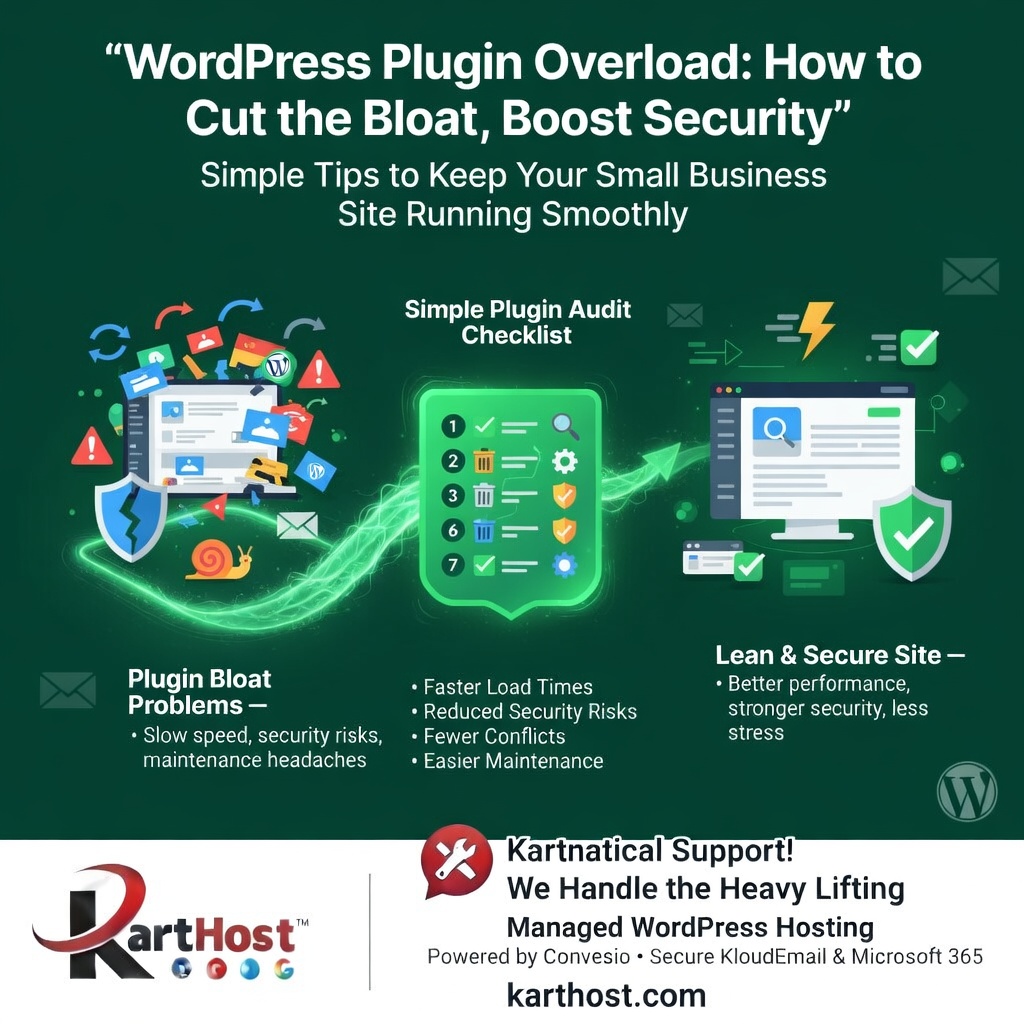
Running a small business or WooCommerce store on WordPress is exciting — until your site starts feeling sluggish, the admin dashboard drags, or you worry about hidden security risks. Have you ever installed “just one more” plugin for a contact form, SEO tweak, or image optimizer, only to notice your pages loading slower and updates becoming a source of stress?
You’re not alone. Many small business owners end up with 20, 30, or even more plugins over time. What starts as helpful features can quickly turn into plugin bloat — extra code, database queries, and potential conflicts that weigh your site down.
Why Too Many Plugins Create Problems
Each active plugin adds scripts, styles, and processes that run on every page load. When you have too many:
- Performance suffers — Pages take longer to load, hurting user experience and SEO. Even inactive plugins can leave behind database tables or files that slow things down.
- Security risks increase — Outdated or poorly maintained plugins are common targets for hackers. Abandoned plugins (those not updated in months) often contain vulnerabilities.
- Conflicts and headaches arise — Plugins can fight with each other or with your theme, causing broken features, white screens, or mysterious errors.
- Maintenance becomes overwhelming — Updating everything safely takes time you’d rather spend on your business.
The good news? You don’t need to ditch functionality entirely. A thoughtful audit and cleanup can make a big difference.
A Simple Plugin Audit Checklist for Small Business Sites
Here’s a practical, step-by-step way to tackle plugin bloat safely:
- Take a full backup first — Always start here so you can restore if anything goes wrong.
- List what you have — Go to your Plugins page and note every installed plugin (active and inactive). Ask: Do I actually use this? Is there a lighter built-in WordPress feature or block that could replace it?
- Check for red flags — Look at the “Last Updated” date. If a plugin hasn’t been updated in over 6–12 months, it’s time to find a modern alternative or remove it.
- Deactivate and test one by one — Turn off non-essential plugins, clear your cache, and test key pages (homepage, shop, checkout, contact form). Use free tools like Query Monitor to spot which ones add heavy load.
- Delete, don’t just deactivate — Inactive plugins still sit on your server and can pose risks. Fully delete them to clean up files and database remnants.
- Replace heavy plugins where possible — Consolidate: one good security or optimization tool often handles what used to take three or four.
- Set a habit — Do a quick plugin review every 3 months. Aim to keep your active list as lean as possible (many successful small sites thrive with under 15 well-chosen plugins).
These steps often deliver noticeable improvements in speed and peace of mind without losing important features.
When to Let Managed Hosting Take the Load Off
Cleaning up plugins is empowering, but staying on top of updates, conflicts, and security can still feel like a full-time job — especially when you’re busy running your business.
This is exactly where Karthost shines as a trusted partner. Our managed WordPress hosting, powered by scalable and self-healing Convesio containers, handles the technical backbone so you don’t have to worry about backend maintenance or performance dips from plugin changes. The platform automatically manages scaling and stability, while our team provides personalized Kartnatical Support to guide you through updates or optimizations at your pace.
We also offer secure branded email solutions through KloudEmail and Microsoft 365 options with threat protection, plus easy domain management — everything you need for a complete, reliable online presence. For quick eCommerce setups, landing pages, or eCourses, our EZWP solutions get you up and running without extra complexity.
By pairing a lean plugin approach with our managed services, you get the best of both worlds: the flexibility of WordPress without the constant maintenance stress.
Ready to simplify your WordPress site and reduce the bloat for good? Explore our managed WordPress hosting and secure email options at karthost.com. We’re here to help your small business thrive online with friendly, caring support every step of the way.
