
Hey, WordPress agency owner or team lead—quick question: Ever feel like your projects are a chaotic mix of scattered notes, endless client emails, bug reports buried in Slack threads, and half-forgotten requirements? One minute you’re tracking a site launch deadline, the next you’re hunting for that design decision from last month’s meeting. Sound familiar? That disconnect between “what needs to get done” and “why we’re doing it this way” wastes hours every week and leads to miscommunications, rework, and stressed clients.
The truth is, most growing agencies juggle exactly this: task tracking for bugs, updates, and sprints on one side, and all the context—requirements docs, client feedback, meeting notes, and knowledge bases—on the other. That’s where tools like Jira and Confluence come in, and a recent deep-dive comparison really highlights why so many teams swear by using them together.
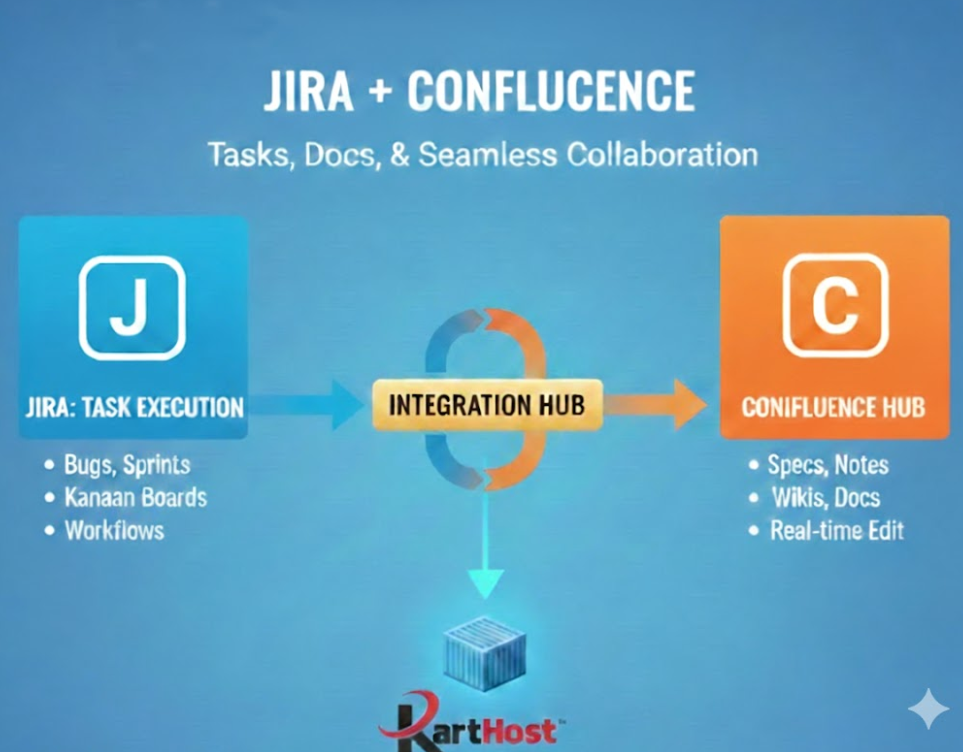
Jira is the powerhouse for managing the “execution” side: tracking tasks, bugs, user stories, and workflows with features like Scrum/Kanban boards, backlogs, sprints, custom workflows, and detailed reporting (think velocity charts and burndown charts). It’s perfect for development teams keeping client site builds, maintenance tickets, and launches on track.
Confluence, on the other hand, shines as your central knowledge hub: collaborative documentation with a free-form editor, page hierarchies, templates, real-time editing, and macros for embedding content. It’s ideal for capturing project specs, onboarding guides, design decisions, meeting notes, and internal wikis—everything that gives context to your work.
The real magic happens when you integrate them (which Atlassian makes super straightforward):
- Link Jira projects directly to Confluence spaces so your team has instant access to requirements while viewing progress.
- Create Jira issues right from Confluence pages (highlight text in a spec doc and turn it into a ticket—boom, traceability).
- Embed Jira charts, roadmaps, or issue lists into Confluence pages for stakeholder updates that combine metrics with narratives.
- View and edit Confluence docs inside Jira without app-switching.
This combo keeps your tasks synced with their “why,” reduces context-switching, and makes it easier for designers, developers, project managers, and even clients to stay aligned. For WordPress agencies especially, it means fewer “I thought we agreed on X” moments and smoother handoffs between discovery, build, and ongoing maintenance.
Source: This post draws from “Confluence vs Jira: Features, Differences, and Integration Benefits” by Marianne Sison on TechnologyAdvice (published January 14, 2026). Check out the full comparison here: https://technologyadvice.com/blog/project-management/jira-vs-confluence/
Of course, even the best project tools can’t save you if your hosting foundation is shaky—slow sites, random crashes during testing, or downtime during a client demo can derail everything. That’s where Karthost steps in to give your agency the reliable backbone these workflows deserve.
Our managed WordPress hosting, powered by Convesio’s self-healing container technology, ensures your client sites scale seamlessly, recover automatically from issues, and stay optimized with managed updates, VIP care plans, and 24/7 support. No more firefighting server problems so you can actually use Jira for tracking real progress and Confluence for capturing brilliant ideas—without the hosting headaches holding you back.
Ready to streamline your agency operations from the ground up? Explore our scalable, agency-focused hosting plans today: https://karthost.com/managed-wordpress-hosting/. Let’s get your projects flowing smoothly—tasks, docs, and sites alike.
