
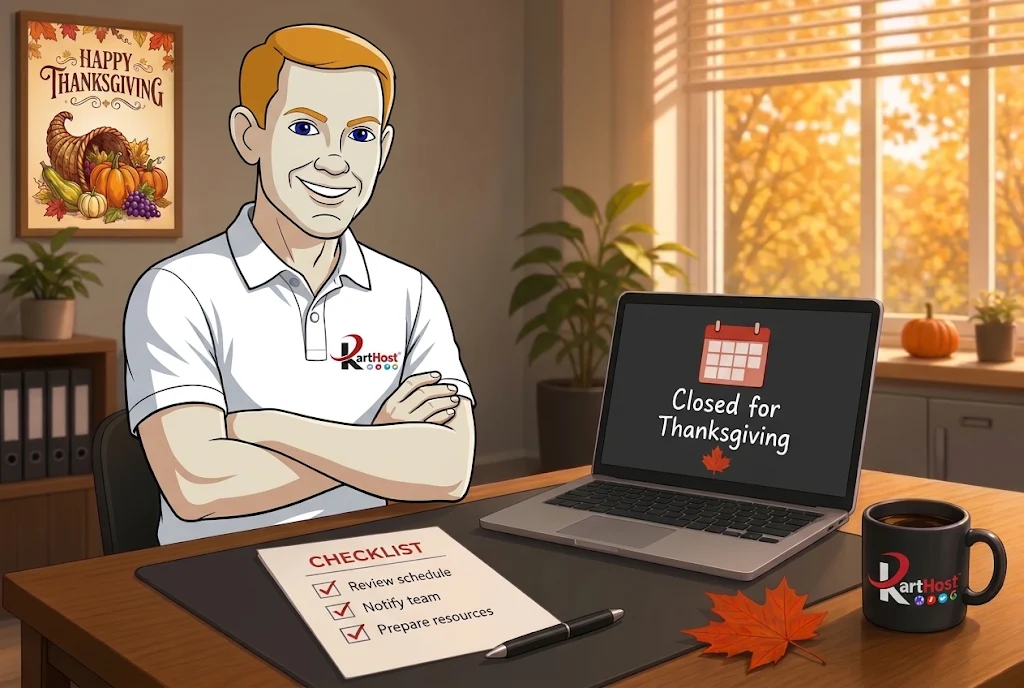
The week before Thanksgiving is usually busy. Then the office goes quiet. Phones stop ringing, inboxes slow down, and someone is still expected to answer a customer who needs an order status or a form that no longer works. A few simple things left ready the day before you close prevent most of those surprises.
You do not need a full operations manual. You need clear out-of-office replies, a short list of what still gets checked, and a website that matches the hours you actually keep.
Set the out-of-office replies that actually help
A blank auto-reply or one that only says “we are closed” forces people to guess. A useful reply answers the questions they already have.
- Turn on the reply for the main business address and any shared inboxes the day before you leave.
- Include the date you return and the hours that day (or note if the office stays closed the following Friday).
- Tell them what they can still do. Examples: “Orders placed through the website will be processed when we return,” or “For an existing order, reply to this message and we will see it Monday.”
- Keep one person listed as the backup if something truly cannot wait. Give that person a real mailbox or phone number instead of a generic address that no one checks.
- Test the reply by sending a message from an outside account. Confirm it arrives and that the wording matches what you intend.
The same principle appears in A Quick Test to Make Sure Every Staff Mailbox Still Sends and Receives. Confirm the addresses you will rely on still work before you leave.
Decide which email still gets looked at
Most small teams do not need every mailbox monitored while they are away. They do need one or two addresses that still receive order notices, form submissions, or customer replies.
- List the mailboxes that must stay active (main business address, orders@, support@, or the owner’s personal work mailbox).
- Remove or pause any temporary seasonal addresses that no longer need to receive mail. The steps for turning those off cleanly are in How to Give Seasonal Help Access Without Leaving the Doors Open.
- Note who will check the active mailboxes and how often (once a day is enough for most businesses over a short holiday).
- If you use Microsoft 365 or Hosted Exchange, confirm the out-of-office is set at the mailbox level rather than only inside one person’s Outlook app. That way the reply still goes out even if that person’s computer is off.
Update the website so it matches reality
A homepage that still shows regular Thursday hours, or a contact form that promises a same-day reply, creates the exact problem you are trying to avoid.
- Change the hours on the contact page, footer, or any banner to show the closed dates. If you stay open for limited hours, list those instead.
- If you take online orders or donations, add one clear sentence about when those will be processed. Most customers accept a short delay when they know it is coming.
- Confirm the form or checkout still sends its notification to an address someone will see. A quick test submission the day before you leave catches a broken notification before you are offline.
- Take or confirm a recent backup before you change any of those pages. The habit of checking that a usable backup exists is covered in The Pre-Holiday Website Backup Habit Every Small Business Should Start Now.
If your site also needs to handle extra traffic from last-minute orders, the checks in How to Make Sure Your Website Can Handle a Busy Fall Week still apply even when the office itself is closed.
One short list to finish the day before you leave
- Out-of-office replies are on for the addresses customers actually use, and they include the return date plus what still works.
- One or two mailboxes are assigned for checking while you are away.
- Website hours and any order or form messaging match the days you are closed.
- A recent backup exists and a test form or order notification arrived in an inbox someone will see.
- Temporary or seasonal access that is no longer needed has been turned off.
These steps take less time than fielding the same confused message from three different customers on Friday. A clear reply, an accurate website, and one monitored inbox keep the holiday quieter for both you and the people trying to reach you.
