
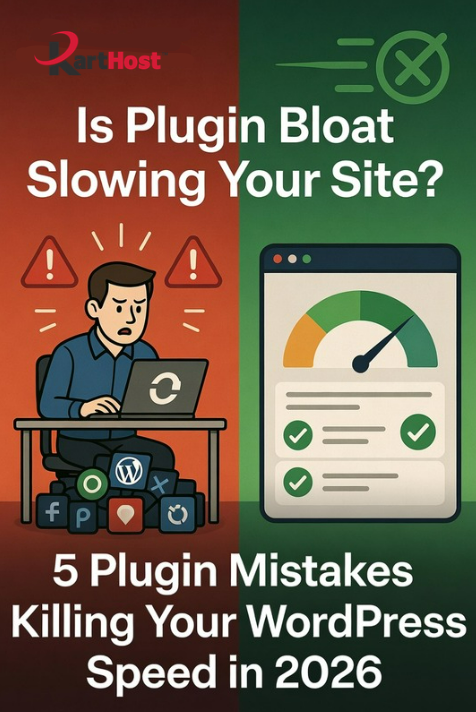
Is your WordPress site loading slowly, frustrating visitors and hurting your sales? You’ve invested time and money into your online presence, yet pages take forever to load, your WooCommerce store feels sluggish during busy periods, or you keep getting complaints about performance. For many small business owners, the culprit isn’t bad design or weak hosting—it’s plugin overload.
In 2026, with faster internet expectations and search engines prioritizing speed, those extra plugins can quietly sabotage your success. The good news? You can fix most issues with a smarter, leaner approach.
Here are five frequent pitfalls we see (and simple alternatives that keep things fast and functional):
- Heavy Page Builders & Redundant Tools
Some builders add massive overhead with features you rarely use. Instead, lean on lightweight block editors or well-optimized themes with built-in tools. Many owners find success with efficient options that deliver beautiful designs without the bloat. - Multiple Security & Optimization Plugins Stacked Together
Running several security, caching, and image optimization plugins at once often creates conflicts and extra database queries. Choose one solid, lightweight security solution and a dedicated performance tool rather than layering five. - Outdated or Bloated WooCommerce Add-ons
Older extensions for forms, reviews, or analytics can drag down order pages and checkouts. Opt for modern, actively maintained plugins designed for efficiency—especially important after recent WooCommerce updates that already improved core performance. - Image & Media Plugins That Don’t Compress Properly
Unoptimized galleries or sliders kill load times on mobile. Look for plugins with automatic lazy loading, WebP support, and CDN integration that work quietly in the background. - Too Many “Nice-to-Have” Plugins
Social sharing, popups, and analytics tools add up fast. Audit regularly: deactivate anything unused for 30+ days and test your site speed before and after.
Quick Win Audit Tip: Use free tools like Google PageSpeed Insights or GTmetrix. Note your scores, deactivate non-essential plugins one by one, and clear caches to see what makes the biggest difference.
Why a Lean Plugin Strategy Wins for Small Businesses
Fewer, better plugins mean faster load times, lower hosting resource usage, easier maintenance, and better search rankings. Your visitors (and Google) will thank you with more time on site and higher conversions. The key is choosing tools that play nicely with modern WordPress without constant babysitting.
Let Karthost Handle the Heavy Lifting
At Karthost, we specialize in making WordPress reliable and worry-free for small business owners. Our managed hosting, powered by scalable Convesio containers, delivers excellent performance even when traffic spikes—perfect for sites running clean, efficient plugin setups. We handle core updates, security monitoring, and optimization so you don’t have to chase plugin conflicts or slowdowns. Combine that with our VIP WordPress Care Plan for ongoing maintenance, and you get peace of mind plus more time to focus on growing your business.
Ready for a faster, smoother site without the tech headaches? Visit karthost.com to explore our hosting options or book a quick chat. We’d love to help you simplify and accelerate your online success.
What’s one plugin you suspect might be slowing you down? Drop it in the comments—we’re happy to share thoughts!
