
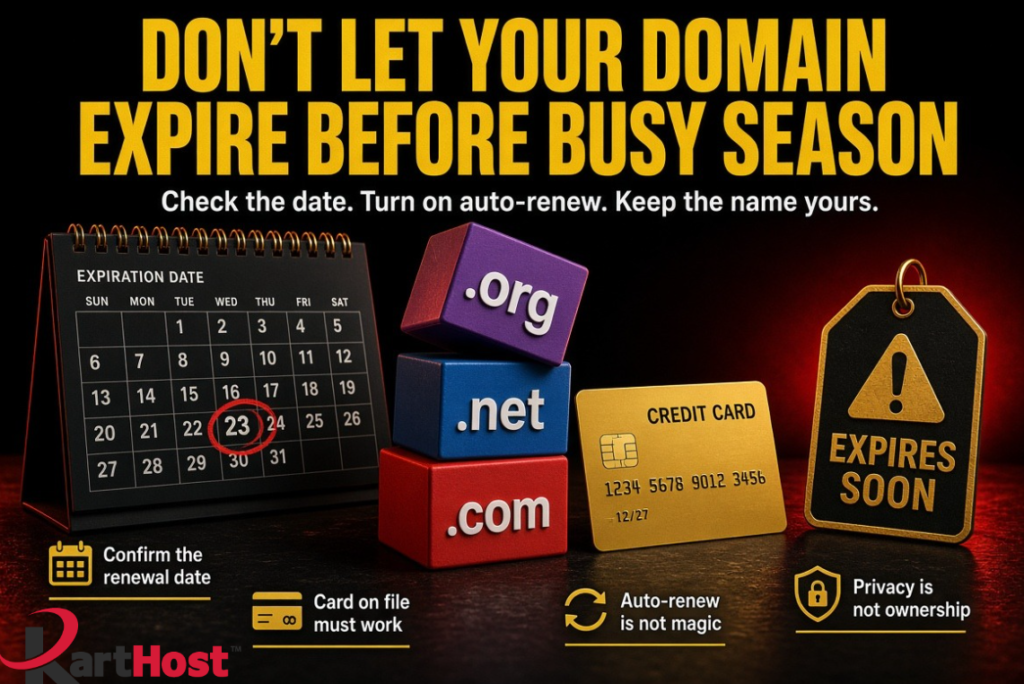
An expired domain is one of the most painful problems a small business can have. The website stops loading. Email starts bouncing. Customers think you closed. In the worst cases, someone else tries to register the name the moment it becomes available again.
This still happens more often than it should. Not because owners do not care, but because the renewal date sits on a calendar nobody looks at until November is already loud. Fall quotes, holiday hours, and year-end invoices all depend on that one name working. Checking it now is cheaper than explaining a dead site in December.
Your domain is not just the website address. It is also the key that points email and hosting to the right place. That connection is the same one we walk through in Your Domain Name, DNS and Email – The 2026 Survival Guide. If the name lapses, those records do not matter until you get the name back.
What actually happens when a domain expires
For a short window after the expiration date, many names can still be renewed by the owner. That window is often called a grace period. After that, the name can enter redemption, which costs extra and can take days. After that, it can be released. At that point you are racing other people who watch dropped names.
While any of that is going on:
- Visitors see an error or a parking page instead of your site
- Incoming mail has nowhere reliable to go
- Password resets for other services that use that domain get messy
- Transferring the name becomes harder or impossible until it is renewed
Pricing traps and failed auto-renew are covered in more detail in Domain Renewal Traps: How to Avoid Overpaying or Losing Your Name. This post is the busy-season version: find the date, make renewal actually happen, and stop confusing privacy with ownership.
Step 1: Find every domain and its renewal date
Log into the account that owns the name. For many KartHost customers that is the Customer Center. If a designer or an old host still holds the login, get that access first. You cannot renew what you cannot see.
Write down:
- The exact domain spelling
- The expiration date
- Where it is registered
- Whether auto-renew is on
- Which card or payment method is attached
Do this for the main name and for extras you still use, such as a .net you redirect, an old campaign name, or a misspelling you registered on purpose. A forgotten extra name can still receive mail or host an old form.
If you cannot log in, stop and fix the login before you change anything else. That is the same habit as The 5-Minute Domain Security Check Every Small Business Should Do.
Step 2: Turn auto-renew on the right way
Auto-renew is useful. It is not magic.
Turn it on for every domain the business still needs. Then confirm three things:
- Auto-renew is actually enabled on that domain, not only on the account in general.
- The payment method on file is current. An expired card is the most common quiet failure.
- Renewal notices go to an email address someone still reads.
On KartHost-managed domains, renewal invoices are created ahead of the expiration date and can charge the card on file when they come due. That only works if the card is valid and the invoice is not sitting unpaid because the notice went to a dead mailbox.
Set your own reminder 60 days out and another 30 days out. Auto-renew is the backup. Your calendar is the first line.
Renewing a year or two early does not move the month and day on the calendar. It adds time onto the end. That is useful before a busy season if you would rather not think about it in November.
Step 3: Confirm the billing card and the notice email
Open the billing section and look at the card on file. Check the expiration month on the card itself, not only whether the registrar says “payment method saved.”
Then check the email that receives invoices and domain notices. It should be a current business address the owner watches. An old personal inbox, a former bookkeeper, or a folder nobody opens is how a good auto-renew setting still fails.
Watch for mail that looks official but is not from your real registrar. Third-party renewal letters are a long-standing problem. The story and the warning live in Don’t Be Mislead by Misleading Domain Name Renewals. If a letter asks you to mail a check to a company you do not recognize, pause. Log into your real account and renew there.
Step 4: Privacy protection is not the same as ownership protection
These two settings get mixed up.
Domain privacy, called ID Protection at KartHost, hides your personal contact details from the public WHOIS listing. That cuts down on spam, scam renewal letters, and harvested phone numbers. It does not keep the domain from expiring. It does not stop a transfer by itself. Details are on Domain ID Protection.
Ownership protection is a different stack:
- You, or the business, are listed as the registrant
- You can log into the registrar account
- Multi-factor authentication is on
- Transfer lock is on
- Auto-renew and a working card are on
- Recovery email and phone are current
Privacy hides your address from strangers. The lock and the login keep strangers from moving the name. Both matter. Only the second group keeps the name yours when a renewal fails or someone tries to take it. That side is covered in Protecting Your Domain from Hijacking and Unauthorized Changes in 2026.
If you ever plan a transfer, privacy often has to be turned off for a short time so the authorization email can arrive. Do that on purpose, with Domain Name Transfer Check List in hand. Do not leave the name unlocked after the move.
A quarterly habit that takes one short sitting
Put this on the calendar four times a year. Early October is a good one because busy season is close enough to care and still far enough to fix.
- Log into the registrar account.
- List every domain and the expiration date.
- Confirm auto-renew is on for names you still need.
- Confirm the card on file is valid.
- Confirm notices go to a mailbox you read.
- Confirm privacy is on if you want it, and that transfer lock is on.
- Confirm you still own the login, not a vendor from three years ago.
- Write the next reminder before you log out.
If a name is no longer needed, decide that in writing. Letting a leftover domain lapse on purpose is fine. Letting the main business name lapse by accident is not.
How KartHost-managed domains lower this risk
When the domain lives in the same Customer Center as billing, you can see the expiration date, auto-renew status, and card on file in one place. Renewal invoices go out on a known schedule. ID Protection and the transfer lock are sitting next to the name instead of in a forgotten registrar you have not logged into since 2019.
That does not replace the quarterly look. It does mean fewer places for a date or a dead card to hide. If a domain still lives somewhere else, the same checklist applies. The extra risk is simply that the notice may never reach you.
One-page checklist
- I know every domain the business still uses.
- I know each expiration date.
- Auto-renew is on for the names that matter.
- The card on file is current.
- Renewal mail goes to an address I actually open.
- I ignore third-party “renew now” letters and use the real account.
- Privacy is on if I want it.
- Transfer lock is on.
- I can still log in as the owner.
- A 60-day and 30-day reminder exist before the next expiration.
Busy season will arrive whether the domain is ready or not. A short look now keeps the website showing and the email flowing when the inbox is already full.