
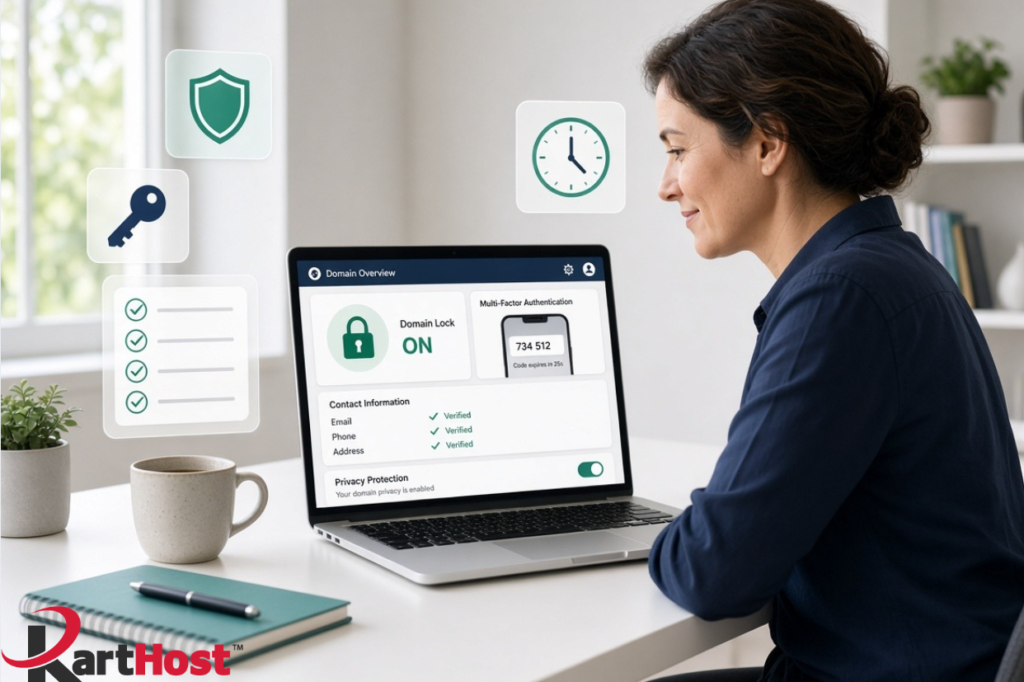
Have you registered a domain name years ago, set the password once, and rarely logged back in? You are not alone. Domain accounts are often the weakest link for small businesses because they sit quietly in the background until something goes wrong. A compromised domain can take down your website, stop email, or redirect customers to a fake site.
The good news is that a few basic steps take about five minutes and stop the majority of domain-related problems we see at the support desk. This guide walks through exactly what to check, why each item matters, and how KartHost can handle the setup for you if you prefer not to dig into the registrar account yourself.
Why these simple steps matter so much
Attackers look for easy targets. An old password, missing multi-factor authentication, outdated contact details, or an unlocked domain makes unauthorized changes or transfers far simpler. Once someone controls the domain, they can change DNS records, redirect traffic, or even transfer the name away. Fixing the damage is time-consuming and stressful. Turning on a handful of protections closes most of those doors before trouble starts.
Step 1: Log into your domain registrar account
Open a browser and go to the login page for the company that manages your domain (this may be KartHost via the Customer Center, or another registrar such as the original one you used).
Use your username or email and the current password. If you cannot remember the login details, use the password-reset option and make sure the recovery email is one you still control.
Once inside, look for a section labeled Domains, My Domains, Domain Management, or something similar. Select the domain you want to review.
Step 2: Turn on multi-factor authentication (MFA)
Multi-factor authentication (also called two-factor authentication or 2FA) requires a second proof of identity after the password. Even if someone steals or guesses the password, they still cannot get in without the second factor.
Most registrars offer this under Security, Account Settings, or Login Preferences. Choose an authenticator app (such as Google Authenticator, Microsoft Authenticator, or Authy) when possible. It is stronger than text-message codes. Follow the on-screen prompts to scan a QR code or enter a setup key, then save the backup codes in a safe place.
Enable MFA for the main account that controls the domain. This single change blocks a large share of account takeovers.
Step 3: Confirm contact information and privacy settings
Check the registrant, administrative, and technical contact details. Make sure the email addresses and phone numbers are current and belong to someone who still monitors them. Outdated contacts can lock you out of important notices or recovery steps.
Next, review privacy or WHOIS protection settings. Most registrars offer free or low-cost privacy that hides your personal details from public lookup tools. Confirm it is turned on if you want that protection. Keep a private record of the real contact information yourself so you can still receive renewal notices and security alerts.
Step 4: Enable the domain lock
Look for a setting called Domain Lock, Transfer Lock, Registrar Lock, or ClientTransferProhibited. Turn it on.
This lock prevents the domain from being transferred to another registrar without your explicit approval. It is one of the simplest and most effective ways to stop unauthorized domain hijacking. You can unlock it later if you ever need to transfer the domain legitimately.
While you are there, also confirm that any extra registry locks or status protections offered by your registrar are enabled if they fit your needs.
A quick 5-minute checklist
- Logged into the registrar account successfully.
- Multi-factor authentication is enabled and backup codes are saved.
- Contact emails and phone numbers are current.
- Privacy protection is on (if desired).
- Domain lock / transfer lock is enabled.
Repeat the check for every domain your business owns. Set a calendar reminder to review once a year or after any staff change.
How KartHost can handle this for you
If your domains are already with KartHost, or if you are transferring them to us, our team can walk through these exact settings with you. Our Domain Name Concierge Service is also available for transfers, and the same support team handles ongoing domain questions alongside your hosting and email.
Keeping domains, DNS, and email under one account makes these checks simpler and keeps everything consistent. For related guidance on keeping domain, DNS, and email working together, see our article Your Domain Name, DNS and Email – The 2026 Survival Guide (if published) or open a ticket for personalized help.
These five minutes of attention protect the foundation of your online presence. A locked domain with current contacts and multi-factor authentication stops most of the problems we see before they start.
If you would like us to review your domain settings, enable the recommended protections, or discuss transferring domains to KartHost for easier management, open a support ticket in the KartHost Customer Center. We are glad to walk through it with you.
Your domain name is the address of your business online. A short security check today helps keep that address safely under your control.