
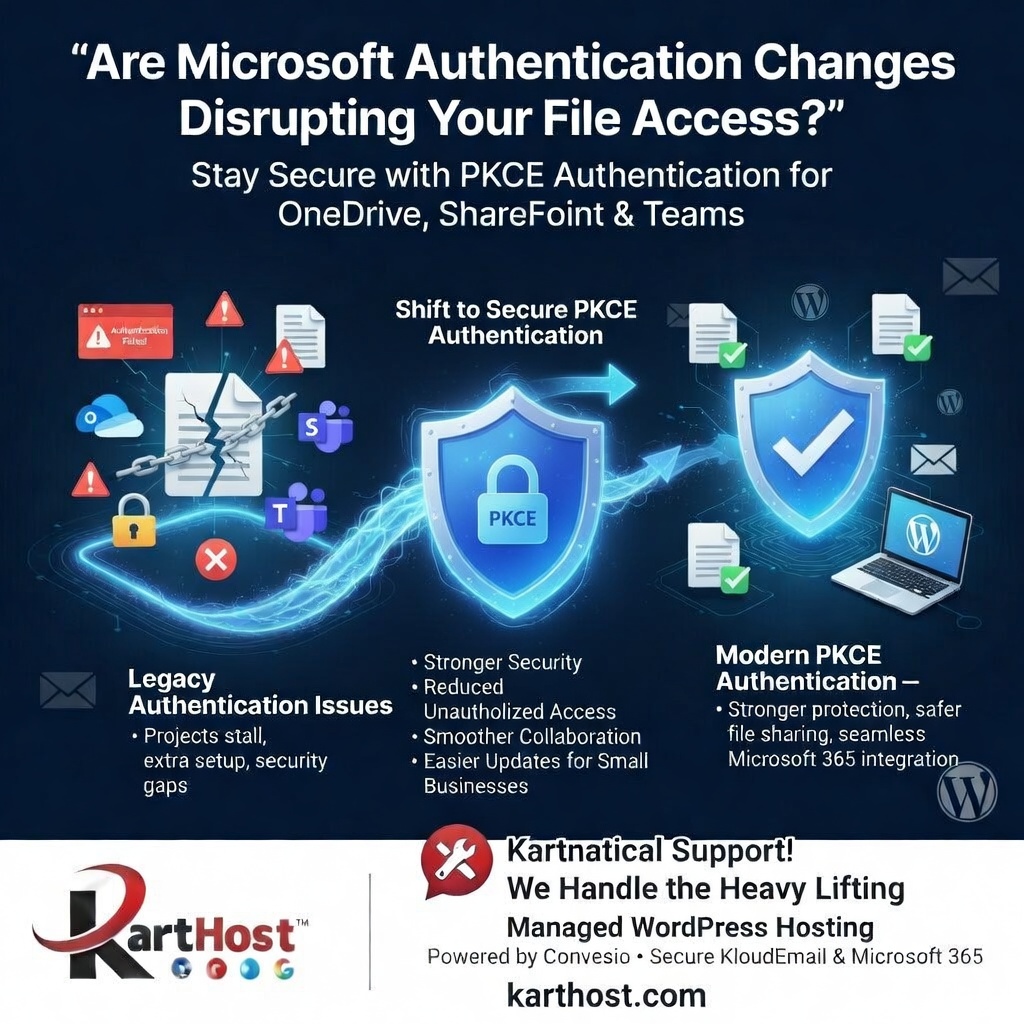
Running a small business or WooCommerce store means juggling your WordPress website, customer communications, file sharing, and collaboration tools — all while trying to keep everything secure. But what happens when Microsoft rolls out security updates that suddenly require new authentication steps for OneDrive, SharePoint, or Teams? You might find projects stalling, access issues popping up, or extra setup work eating into your valuable time.
If you’ve ever felt frustrated by sudden “authentication failed” messages or the need to update permissions just to keep documents and team files flowing, you’re experiencing a common pain point in today’s evolving Microsoft 365 ecosystem.
Microsoft’s Push for Stronger Security: The Shift to PKCE Authentication
To stay ahead of security threats, Microsoft continues to strengthen its modern authentication standards. A recent update from BitTitan explains that MigrationWiz has adjusted its configuration process for OneDrive, SharePoint, and Teams projects to require PKCE-based authentication (Proof Key for Code Exchange).
This change aligns with Microsoft’s ongoing enforcement of OAuth security best practices. Here’s what it means in simple terms:
- New projects must now use the more secure PKCE authentication flow.
- Existing configurations may need updates depending on how they were originally set up.
- Administrators often need to add Tenant IDs, complete fresh consent processes, and in some cases move away from older “Bring Your Own” app registrations toward BitTitan’s recommended application.
These updates enhance overall protection by reducing risks associated with legacy authentication methods. They help prevent unauthorized access while supporting safer document migrations and collaboration in the cloud. The good news is that the process is designed to be straightforward once you follow the updated steps, often supported by new guidance and videos.
You can read the full details in the source article:
“Updated Authentication Process for OneDrive, SharePoint, and Teams Projects in MigrationWiz”
https://www.bittitan.com/blog/from-the-experts/updated-authentication-process-for-onedrive-sharepoint-and-teams-projects-in-migrationwiz/
Staying Secure Without the Technical Headaches
Security updates like these are important — they protect your business data and keep your tools reliable. But for busy small business owners, they can feel like one more thing to figure out on top of managing your website and email.
This is where Karthost makes a real difference. We specialize in managed WordPress hosting powered by scalable, self-healing Convesio containers, so your site stays fast, stable, and protected without constant manual oversight. Our platform handles the backend complexities so you can focus on what matters most: serving your customers and growing your business.
We also provide secure branded email solutions through KloudEmail and Microsoft 365 options (including Exchange plans). These integrate smoothly with modern Microsoft tools like OneDrive and Teams, helping your communications and file sharing stay current with the latest security standards.
Our team offers personalized, caring support — known as Kartnatical Support — to guide you through changes like authentication updates at a pace that works for you. Whether you’re updating permissions, enhancing protection for your site, or ensuring your email and documents work seamlessly together, we’re here to simplify the process and give you peace of mind.
Ready to strengthen your online presence with reliable hosting and email that keeps up with security advancements? Visit karthost.com today to explore our managed WordPress hosting and secure email solutions. We’re here to help you navigate these changes confidently and keep your business running smoothly.
