
Hey, if you’re running (or thinking about running) your own VPS—maybe for WordPress sites, small business clients, or even some Docker containers—have you ever felt completely lost trying to figure out how to actually secure it? You’re not alone. One minute you’re reading about firewalls, the next about malware scanners, and suddenly you’re wondering if that one tool you installed is even doing anything… or worse, causing more problems than it’s solving. The confusion is real: shared hosting handled a lot automatically, but on a self-managed VPS, the responsibility lands squarely on you. Questions pile up fast—what’s the best firewall? Do I need Immunify360, cPguard, BitNinja, or something else? And how do you avoid getting hacked while not breaking your site in the process?
A recent discussion on Web Hosting Talk captures this exact frustration perfectly. A new VPS user with AlmaLinux 9 and cPanel shared their setup for hosting client sites and apps, admitting they were overwhelmed after trying tools like Immunify360 (which missed some malicious files later caught by Monarx) and eyeing cPguard amid mixed reviews. The community jumped in with practical, no-nonsense advice from experienced hosts. The big takeaway? No single magic tool exists—security is about layers, not a silver bullet.
Key points that kept coming up:
- Start with the basics everyone agrees on: Use SSH keys only (disable password logins and root access entirely), create non-root users for daily tasks, and keep software updated religiously—weekly at minimum, especially for WordPress plugins/themes that are prime targets for exploits.
- Firewalls and intrusion prevention: Tools like CSF (ConfigServer Security & Firewall) or Firewalld paired with Fail2Ban were frequently recommended to block brute-force attacks and ban bad IPs automatically. Avoid unnecessary ports and services to shrink your attack surface.
- Monitoring is non-negotiable: Many emphasized third-party alerts (Hetrix Tools, UptimeRobot, or New Relic) for spikes in CPU, traffic, or crashes—way more reliable than self-hosted options that might fail when you need them most.
- Backups save the day: Follow the 3-2-1 rule (three copies, two different media types, one off-site), automate them, and test restores regularly. When hacks happen (and they can), good backups let you recover fast while you hunt down the root cause.
- WordPress-specific defenses: For WP-heavy setups, combine site-level tools like Wordfence (for scans, login limits, and bans) or CleanTalk, plus server-side scanners. Layer signature-based (Immunify360) with behavior-based (Monarx) tools, and trial alternatives like BitNinja or cPguard to see what fits without false positives or performance hits.
- Common pitfalls to dodge: Don’t rely on one tool (they all miss things eventually), avoid security-through-obscurity tricks like changing SSH ports (it often backfires), and never let clients disable protections like ModSecurity.
The consensus? Prevention beats cure—focus on updates, strong access controls, and monitoring first. Then add layered tools tailored to your stack. It keeps things manageable without turning your server into a locked-down fortress that blocks legitimate users.
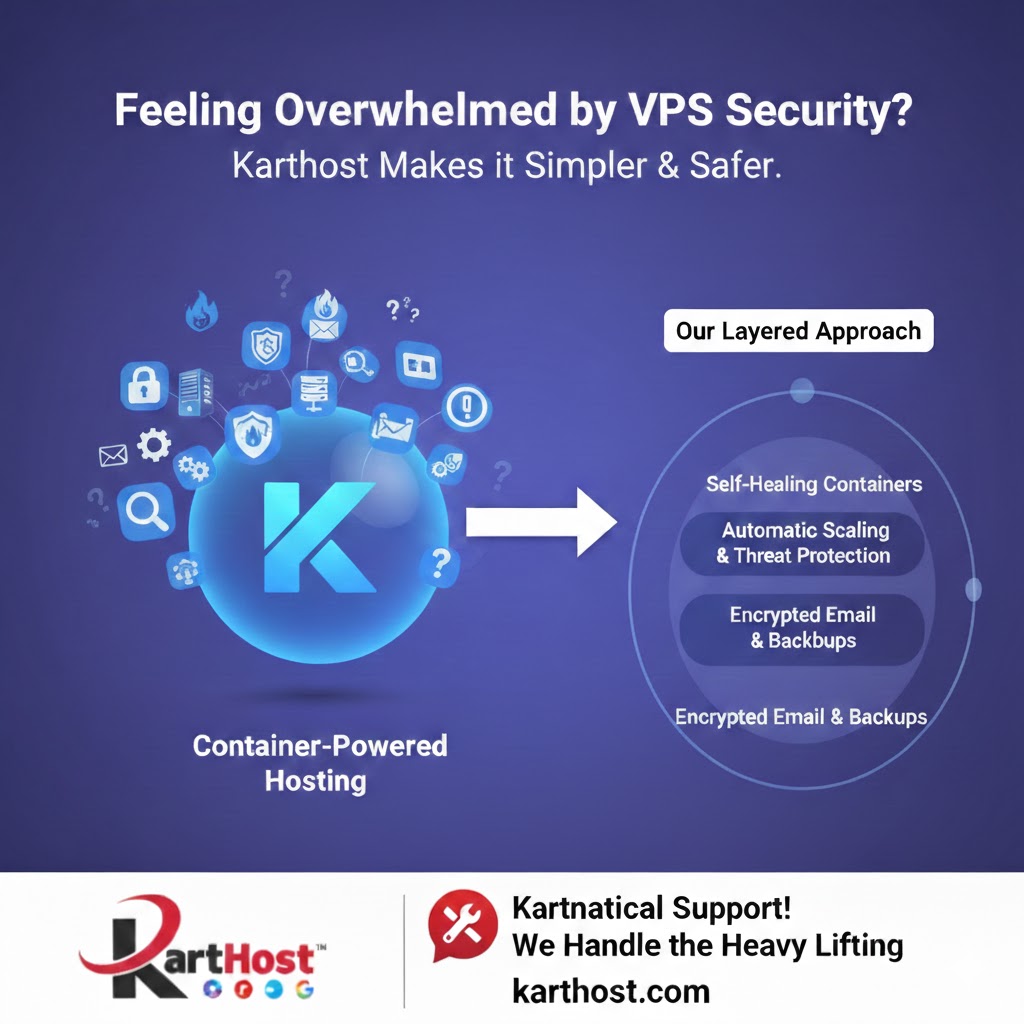
At Karthost, we get it—this security puzzle is exactly why so many people hesitate to go self-managed or scale beyond basic shared hosting. That’s why our container-powered managed WordPress hosting on Google Cloud takes the heavy lifting off your plate. We handle the underlying security layers (self-healing containers, automatic scaling, built-in threat protection, and encrypted email options), so you don’t have to juggle firewalls, scanners, and constant updates alone. Our “Kartnatical Support” team is there for quick wins like 2FA setup or troubleshooting, helping you focus on growing your sites and clients instead of fighting hacks. Whether you’re an agency tired of the feast-or-famine cycle or a business wanting reliable, secure hosting without the headaches, Karthost makes it simpler and safer. Check us out at karthost.com and let’s get your setup locked down the right way.
Source: This post draws insights from the Web Hosting Talk thread “VPS Security? I’m so confused!” available at https://www.webhostingtalk.com/showthread.php?t=1953233
